The Zero-Trust API: Securing Laravel Backends Against Modern Data Breaches
The Era of Implicit Trust is Over
In the modern digital landscape, building a functional backend is no longer enough. Your API must be an impenetrable fortress.
The traditional security model assumes that if a user has a valid token, they are safe to access the system. This outdated thinking is responsible for massive corporate data breaches.
When you are managing highly sensitive databases such as extensive student enrollment records or large scale laptop allocation systems a single compromised token can lead to a catastrophic data leak.
💡 Expert Insight: The Zero-Trust Philosophy
Zero-Trust architecture operates on a single, uncompromising rule: “Never trust, always verify.” It assumes that every single request, even those originating from inside your own network, is a potential threat.
Today, we are unpacking the architecture of a Zero-Trust API. We will explore how to fortify your Laravel backend using advanced HMAC signatures and strict IP whitelisting.
By the end of this guide, you will understand how to engineer enterprise-grade security that protects your data and cements your brand’s reputation.
Why Basic Bearer Tokens Are Failing
Most standard web applications rely on simple Bearer Tokens (like JWTs or Laravel Sanctum tokens) for API authentication. A user logs in, receives a token, and attaches it to their API requests.

While this is fine for basic applications, it presents a massive vulnerability for enterprise systems. If a hacker intercepts that token through a man-in-the-middle attack or an exposed configuration file, they essentially own the keys to your kingdom.
A stolen token can be used from any device, anywhere in the world, to drain your database.
Here is how standard security compares to a Zero-Trust approach:
| Security Layer | Traditional API (Vulnerable) | Zero-Trust API (Fortified) |
| Authentication | Static Bearer Token. | Dynamic HMAC Signatures. |
| Access Control | Open to any IP with a token. | Restricted by strict IP Whitelisting. |
| Data Integrity | Payload can be altered if intercepted. | Payload is mathematically locked; any change rejects the request. |
| Lifespan | Tokens last for hours or days. | Signatures expire in seconds to prevent replay attacks. |
To stop unauthorized access, we must implement a system where a stolen token is completely useless.
Enter HMAC: Hash-based Message Authentication Code

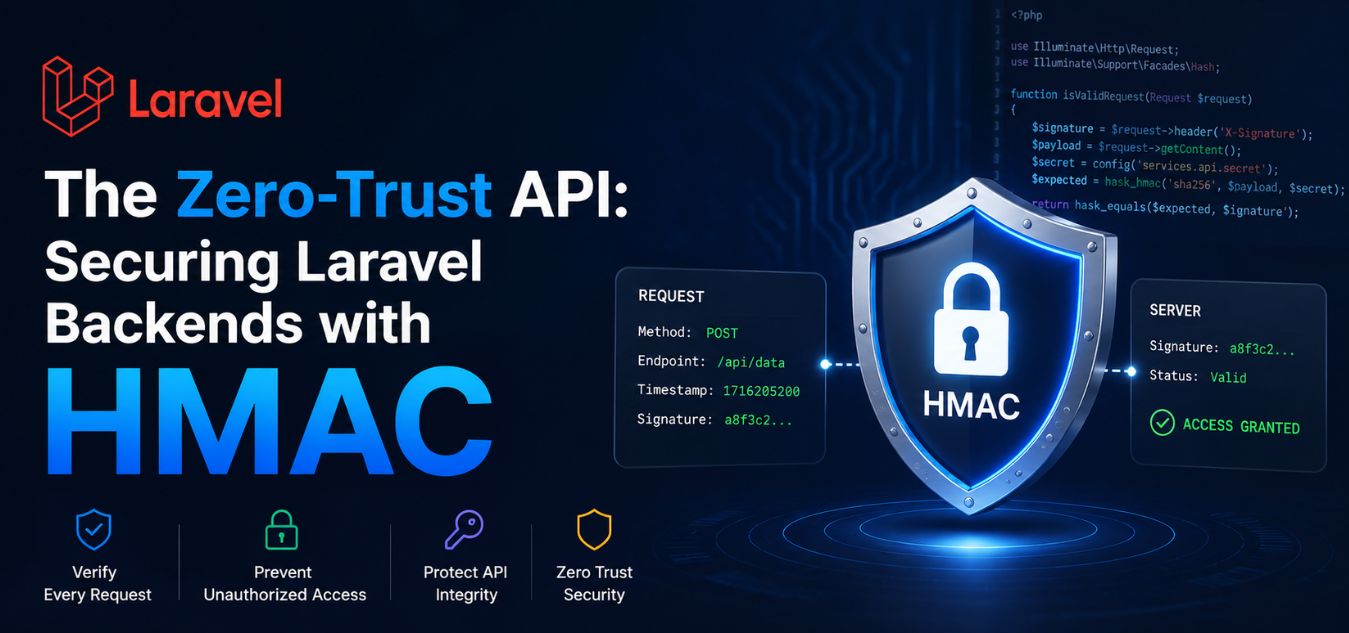
HMAC is a cryptographic technique that guarantees both the authenticity and the integrity of an API request. Instead of just sending a static password or token, the client and the server share a secret key that is never transmitted over the network.
When the client wants to make an API request, it uses that secret key to mathematically sign the specific data it is sending.
If a hacker intercepts the request and tries to change a single character like altering an account ID or a payment amount the mathematical signature immediately breaks, and your Laravel backend rejects the request.
The HMAC Flow
- Step 1: The Shared Secret. Both your frontend application and your Laravel backend securely store a unique Secret Key.
- Step 2: The Payload Construction. The frontend gathers the data (e.g.,
{"user_id": 45, "action": "update"}) and the current UNIX timestamp. - Step 3: The Cryptographic Hash. The frontend runs the data and timestamp through an algorithm (like SHA-256) using the Secret Key, generating a unique string of characters (the HMAC signature).
- Step 4: The Transmission. The frontend sends the original data, the timestamp, and the HMAC signature to the Laravel API. The Secret Key is never sent.
- Step 5: The Verification. Laravel takes the received data and timestamp, hashes it with its own copy of the Secret Key, and compares the result. If the signatures match exactly, the request is trusted.
Navigating Developer Friction in API Integration
While HMAC provides impenetrable security, it is notoriously unforgiving to implement. The slightest discrepancy between how the client generates the signature and how the Laravel backend verifies it will result in a failed authentication.
In our continuous performance testing of API security best practices, we consistently see development teams stumble during endpoint migrations.

The hashing logic must adapt perfectly to the HTTP method being used, otherwise, the integration will completely break down.
Mini Case Snapshot: The Signature Mismatch
- The Bottleneck: During a recent integration test for a secure data API, developers encountered persistent, unresolvable signature validation errors.
- The Cause: The developers had modified the API implementation from a POST method to a GET method to improve caching. However, the HMAC generation logic was still attempting to hash a JSON body.
- The Fix: Because a GET request relies on URL query parameters rather than a request body, the hashing logic had to be rewritten to strictly read and alphabetize the GET parameters.
- The Takeaway: HMAC requires absolute precision. Your cryptographic logic must perfectly align with your specific API methods.
Strict IP Whitelisting: The Invisible Firewall
Even with HMAC securing the integrity of the data, a true Zero-Trust architecture requires a secondary layer of geographical and network-level defense. This is where strict IP whitelisting becomes mandatory.
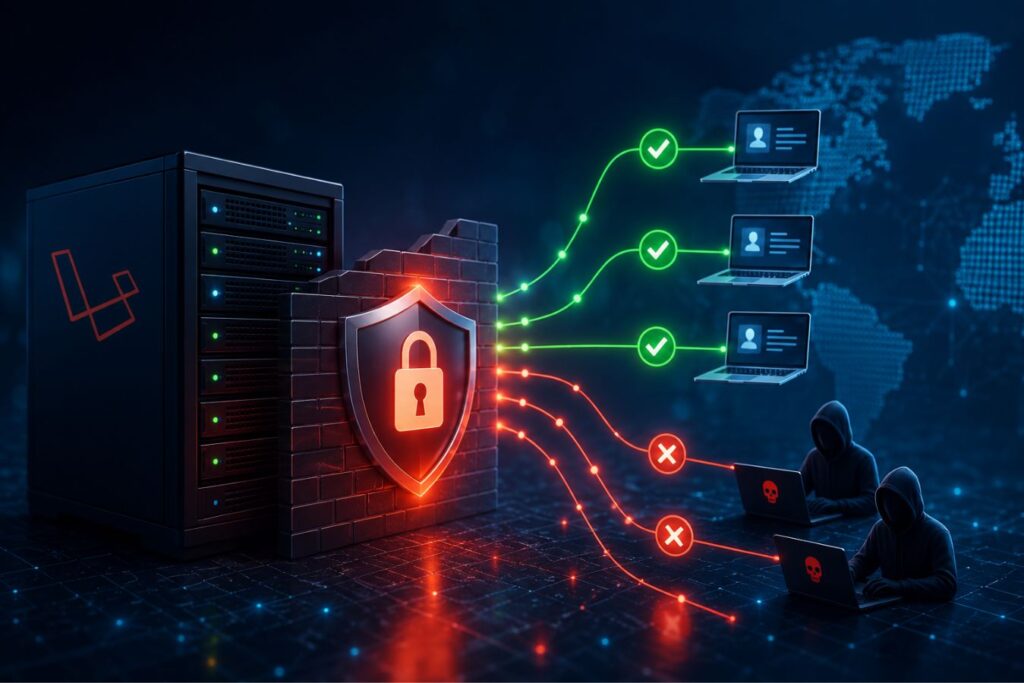
IP whitelisting acts as an invisible, uncompromising firewall around your Laravel application. It dictates that your API will only even attempt to process a request if it originates from a pre-approved list of IP addresses.
If a request comes from an unknown server, a public coffee shop Wi-Fi, or a foreign data center, the Laravel backend instantly drops the connection with a 403 Forbidden error.
How to Implement IP Whitelisting in Laravel
Implementing this in Laravel is elegantly simple using custom middleware.
- 1. Create the Middleware: You generate a new middleware class (e.g.,
VerifyIpAddress) that intercepts every incoming API request. - 2. Define the Safe Zones: You define an array of trusted IP addresses such as your corporate office network, your remote VPN servers, and your verified frontend hosting environments.
- 3. The Validation Check: The middleware checks the
$request->ip()against your trusted array. If it is not listed, the request is terminated before it ever reaches your controllers or database.
By combining HMAC signatures with IP whitelisting, you create a backend ecosystem where an attacker would need to steal your Secret Key, perfectly forge a timestamped signature, and physically hijack a trusted corporate server just to make a single API call.
Security is a Brand Strategy, Not Just an IT Problem
Many founders mistakenly believe that backend security is purely a technical concern, completely separate from their brand identity and user experience. This is a dangerous misconception.
A premium UI/UX design is only as strong as the backend architecture that supports it. You can have the most beautiful, minimalist dashboard in your industry, but if your platform suffers a massive data breach, your brand equity drops to zero instantly.
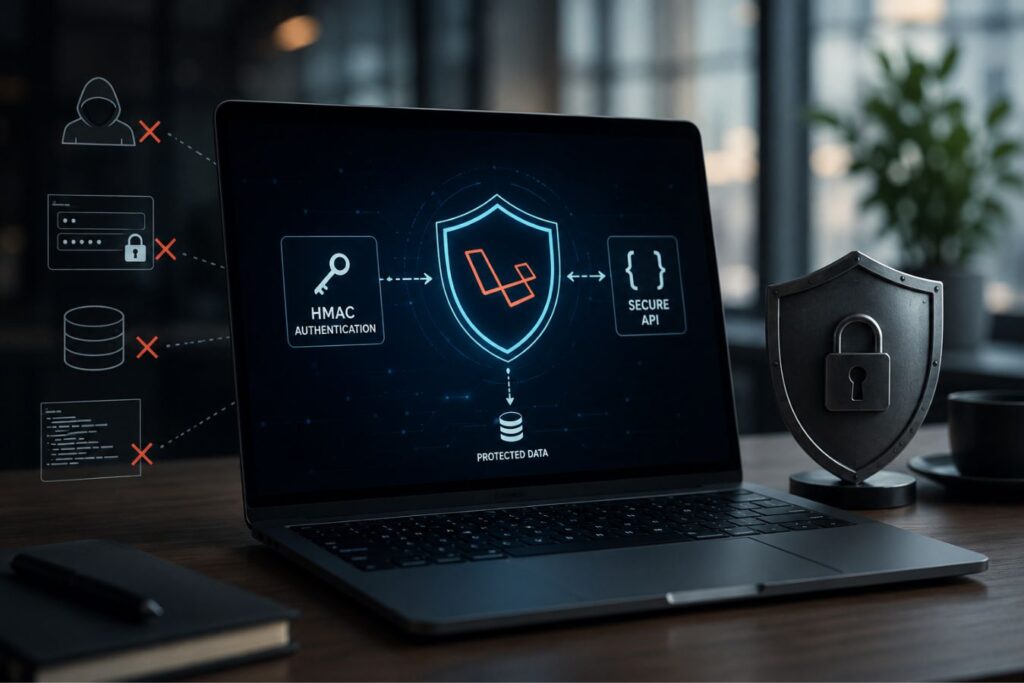
Enterprise clients do not just buy beautiful software; they buy peace of mind.
To understand how market leaders position their infrastructure, we have to look at how security directly influences buyer perception:
| The Focus | The Traditional Mindset | The Enterprise Mindset |
| Security’s Role | An annoying IT expense that should be hidden in the backend. | A high-value brand asset actively used in sales pitches to close deals. |
| User Experience | Sacrificed for safety (e.g., intrusive captchas, constant forced log-outs). | Frictionless; military-grade protection operates completely silently in the background. |
| Brand Equity | Assumes the company’s reputation is safe as long as the interface looks modern. | Understands that a single backend data leak instantly destroys market trust. |
When you stop treating security as an afterthought and start treating it as a core component of your user experience, it transforms into a powerful sales tool. Here is how advanced infrastructure directly elevates your brand:
- Trust as a Feature: When pitching to enterprise clients, having documented Zero-Trust architecture, HMAC protocols, and IP restrictions is a massive competitive advantage.
- Frictionless UX: The beauty of HMAC and IP whitelisting is that they operate entirely in the background. The user experiences an incredibly secure platform without ever dealing with intrusive captchas or constant re-logins.
- The Complete Ecosystem: A successful digital product requires absolute harmony between visually stunning frontend design and military-grade backend security.
Final Thoughts: Securing Your Digital Future
Holding onto legacy authentication methods is a massive liability in today’s threat landscape. As data privacy regulations become stricter and cyber attacks become more sophisticated, your backend architecture must evolve.
Implementing a Zero-Trust API using Laravel is not an overnight task. It requires careful planning, precise cryptographic engineering, and rigorous testing to ensure your legitimate traffic is not accidentally blocked.
However, the return on investment is absolute security. By deploying HMAC and IP whitelisting, you eliminate the threat of stolen tokens, prevent man-in-the-middle attacks, and secure your enterprise data against unauthorized access.
If your current API relies on basic tokens, it is time for an architectural audit.
Frequently Asked Questions (FAQs)
1. Does HMAC slow down the API response time?
No, the performance impact is negligible. Cryptographic hashing algorithms like SHA-256 are incredibly fast. A modern Laravel server can compute an HMAC signature in a fraction of a millisecond. When combined with optimized, decoupled architectures, your users will experience zero latency while enjoying enterprise-grade security.
2. How do we manage IP Whitelisting for our remote development team?
Managing dynamic IPs for remote workers can be challenging. The best practice is to require your remote team to connect to a corporate Virtual Private Network (VPN). You then simply whitelist the static IP address of the VPN server. This ensures secure access without having to manually update your Laravel configuration every time a developer works from a new location.
3. If we use HMAC, do we still need an SSL/HTTPS certificate?
Absolutely. HMAC ensures data integrity and authenticates the sender, but it does not encrypt the data payload itself. Without HTTPS, an attacker could still read the plain-text data being sent (even if they can’t alter it without breaking the signature). SSL/HTTPS encrypts the entire connection, while HMAC verifies the exact message contents. Both are required for true Zero-Trust architecture.
About the Author