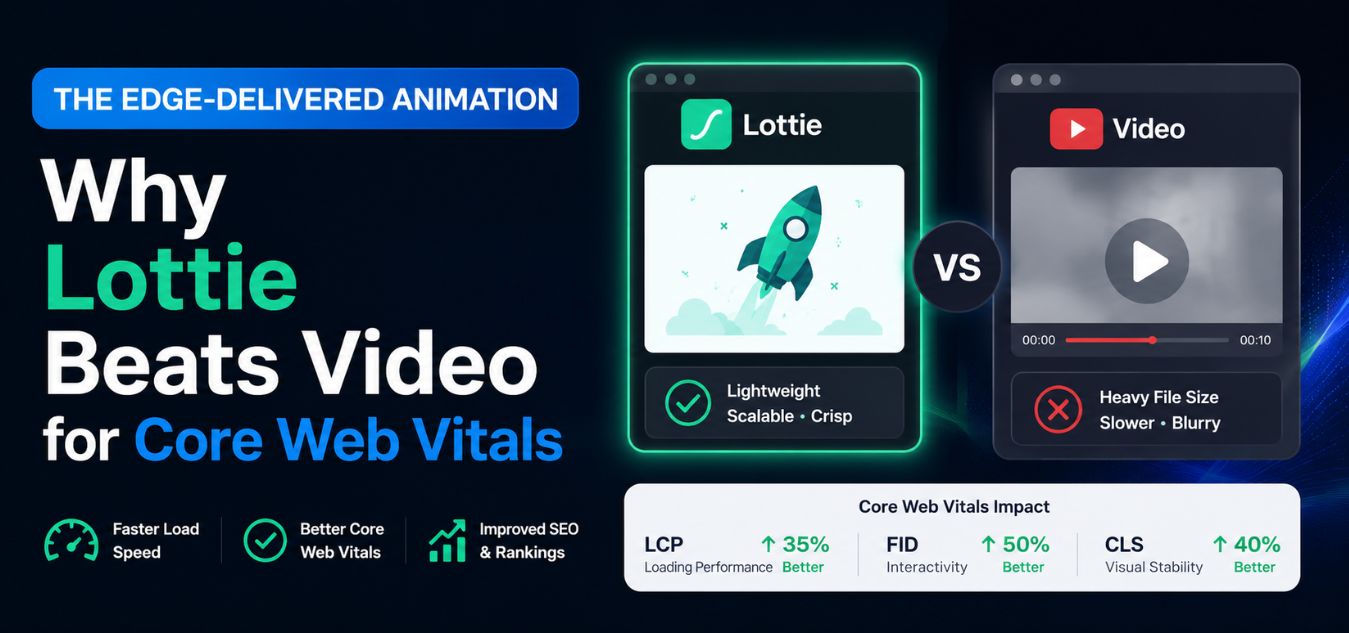
The Edge-Delivered Animation: How Edge-Cached 2D Lottie Animations Replace Heavy Video Files and Dramatically Improve Core Web Vitals
The Speed vs. Aesthetics Dilemma
The modern enterprise web is a battleground of attention and server speed. You have exactly three seconds to captivate a B2B buyer before they click away.
But how do you visually explain complex software features without slowing down your website?
Historically, companies relied on heavy MP4 explainer videos or bloated GIF files. These assets might look great, but they are a technical disaster for your Google search rankings.
💡 Executive Insight: The Performance Tax
Beautiful motion graphics mean nothing if your page takes five seconds to load. Google’s algorithm actively penalizes slow, media-heavy websites, driving up your customer acquisition costs. You must find a way to deliver high-fidelity animation without the performance tax.
Today, we are unpacking the ultimate architectural solution: The Edge-Delivered Animation.
We will explore how replacing traditional media with code-based Lottie animations secures lightning-fast server responses.
By the end of this guide, you will understand how to dominate Core Web Vitals while projecting absolute digital luxury.
Why MP4s and GIFs Destroy Your SEO
Google’s Core Web Vitals are no longer just technical suggestions; they are strict, unforgiving financial indicators. If your website fails these metrics, your organic traffic will plummet, driving up your customer acquisition costs overnight.
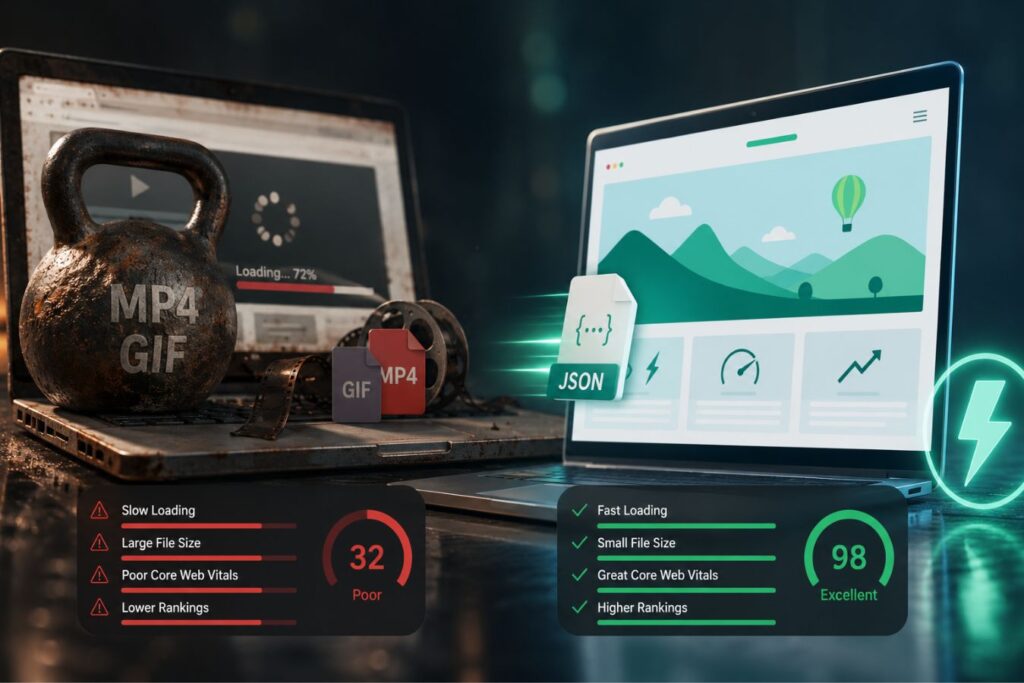
Heavy video files and GIFs are notoriously the biggest culprits behind failed speed tests. When a browser encounters a bloated 15MB MP4 file, it has to dedicate massive resources just to decode and render the media.
This creates a catastrophic chain reaction across your entire frontend infrastructure, destroying the premium experience you worked so hard to build.
Key Performance Metrics: The True Cost of Heavy Media
- The Bounce Threshold: Google research indicates that 53% of mobile site visits are abandoned if pages take longer than 3 seconds to load.
- The Payload Penalty: A standard 10-second high-definition GIF can easily weigh over 5MB, consuming massive bandwidth for a very low-quality visual.
- The Conversion Drop: A mere one-second delay in mobile load times can impact enterprise conversion rates by up to 20%.
Here is exactly how traditional media actively sabotages your technical SEO and user experience:
- Failed LCP (Largest Contentful Paint): If your hero section features an auto-playing video, the browser stalls while downloading the heavy file. Your page appears completely blank to the user, instantly failing Google’s primary speed metric.
- Massive CLS (Cumulative Layout Shift): Video iframes often struggle to mathematically calculate their dimensions before loading. When the video finally appears, it violently pushes your text down the screen, severely frustrating the reader.
- Network Payload Bloat: Pushing massive files to enterprise clients browsing on mobile data aggressively drains their battery and spikes your bounce rate.
To understand the severity, look at how legacy media directly translates to business losses:
| Core Web Vital Metric | The Legacy Media Flaw (MP4 / GIF) | The Direct Business Consequence |
| Loading Speed (LCP) | Videos force the browser to stall, leaving a blank white screen for several seconds. | Instant loss of executive trust and a massive spike in initial bounce rates. |
| Visual Stability (CLS) | Slowly rendering GIFs jump into place, shifting the entire page layout unexpectedly. | Severe reading frustration and accidental clicks on the wrong UI buttons. |
| Overall Payload | 5MB+ files overwork the device’s CPU and drain mobile data networks. | High-ticket mobile users abandon the site entirely due to sluggish, unresponsive performance. |
You simply cannot afford to let outdated media files sabotage your digital marketing pipeline. To dominate organic search, your motion graphics must be as lightweight and optimized as your code.
Enter Lottie: The Code-Driven Canvas
To solve this crisis, the design and engineering communities completely reimagined how motion works on the web.
We stopped using video files. Instead, we started using code.
A Lottie is a JSON (JavaScript Object Notation) file that parses Adobe After Effects animations and renders them natively on mobile and web platforms.
Infographic-Style Breakdown: The Anatomy of a Lottie Animation
- Hyper-Lightweight: A 10-second 2D motion graphic that weighs 10MB as an MP4 will often weigh less than 150KB as a Lottie JSON file.
- Infinite Scalability: Lottie files are built using vector mathematics, not pixels. They render with absolute, razor-sharp clarity on an iPhone or a 4K desktop monitor.
- DOM Manipulation: Because Lottie is just code, it lives inside your HTML. Developers can change the animation’s colors in real-time using CSS to match your brand’s dark mode.
- Interactive Triggers: You can program the animation to play only when the user scrolls, hovers, or clicks a specific button on your UI.
This technology bridges the gap between graphic design and software engineering, delivering premium aesthetics at mathematical speeds.
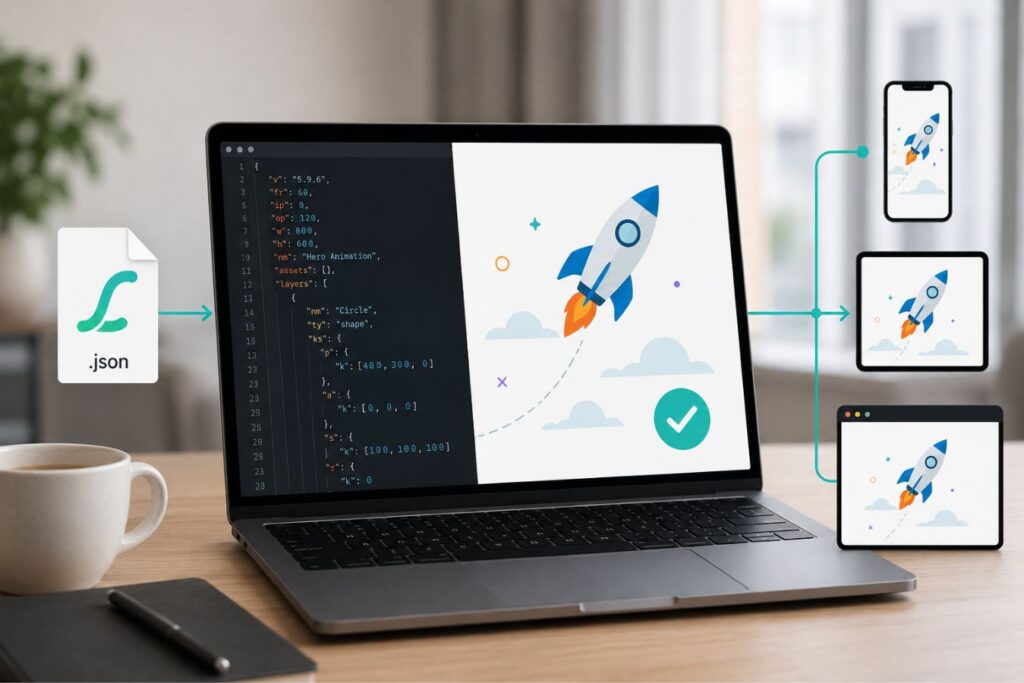
Why Lottie Is So Effective for Performance
Lottie animations are especially valuable for performance-focused websites because they avoid the common problems associated with heavy media files.
Here are the main advantages:
- They load faster than video files.
- They use less bandwidth.
- They scale cleanly across screen sizes.
- They are easier to cache and deliver through edge networks.
- They support smoother interaction without dragging down the page.
Where Lottie Works Best
Lottie is not meant to replace every form of animation, but it is ideal in many common use cases.
| Use Case | Why Lottie Works Well |
| Hero animations | Adds visual impact without slowing the page |
| Product walkthroughs | Makes feature explanations easier to understand |
| Loading states | Keeps users engaged during wait times |
| Onboarding screens | Creates a friendly and interactive experience |
| Micro-interactions | Adds polish to buttons, icons, and feedback states |
In each of these cases, Lottie delivers motion that feels intentional and lightweight, which is exactly what modern user experiences need.
What is Edge Delivery?
Creating a lightweight Lottie file is only the first step. To truly dominate Core Web Vitals, you must change how that file is delivered to the user.
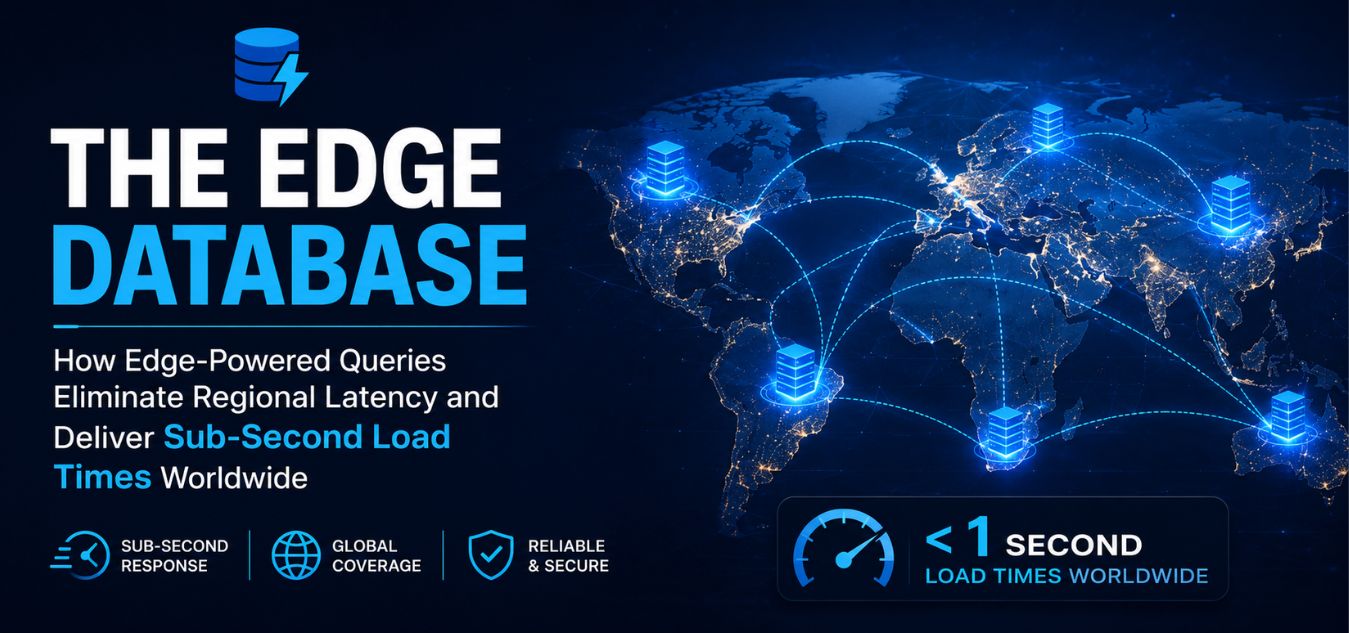
In legacy monolithic systems, all your assets sit on a single central server. If your server is in New York, a user in Islamabad has to wait for the data to travel across the globe.
This physical distance introduces severe network latency.
How edge caching solves global latency:
- The Global Network: We deploy modern frontends using Content Delivery Networks (CDNs), commonly referred to as the “Edge.”
- Asset Distribution: When your Next.js application builds, it copies your Lottie JSON files and distributes them to hundreds of server nodes worldwide.
- Localized Access: When an enterprise buyer in Pakistan loads your website, they do not download the animation from New York. They download it from a local edge node in their own region.
By caching your 2D motion graphics at the edge, you completely bypass regional latency. The animation renders instantaneously, ensuring flawless performance in high-growth global markets.
Understanding the Concept of the “Edge”
The term “edge” refers to servers positioned at strategic locations around the world. These servers are part of a Content Delivery Network (CDN) and act as local delivery points for website resources.
When a visitor accesses a website, the CDN automatically routes the request to the closest edge server instead of the main hosting server whenever possible.
For example:
| User Location | Origin Server Location | Edge Server Location Used |
|---|---|---|
| London | New York | London |
| Singapore | New York | Singapore |
| Dubai | New York | Dubai |
| Sydney | New York | Sydney |
Without Edge Delivery, every user request would need to travel to New York and back. With Edge Delivery, cached content is served from a nearby server, significantly reducing loading time.
Deploying Lottie in a Next.js Frontend
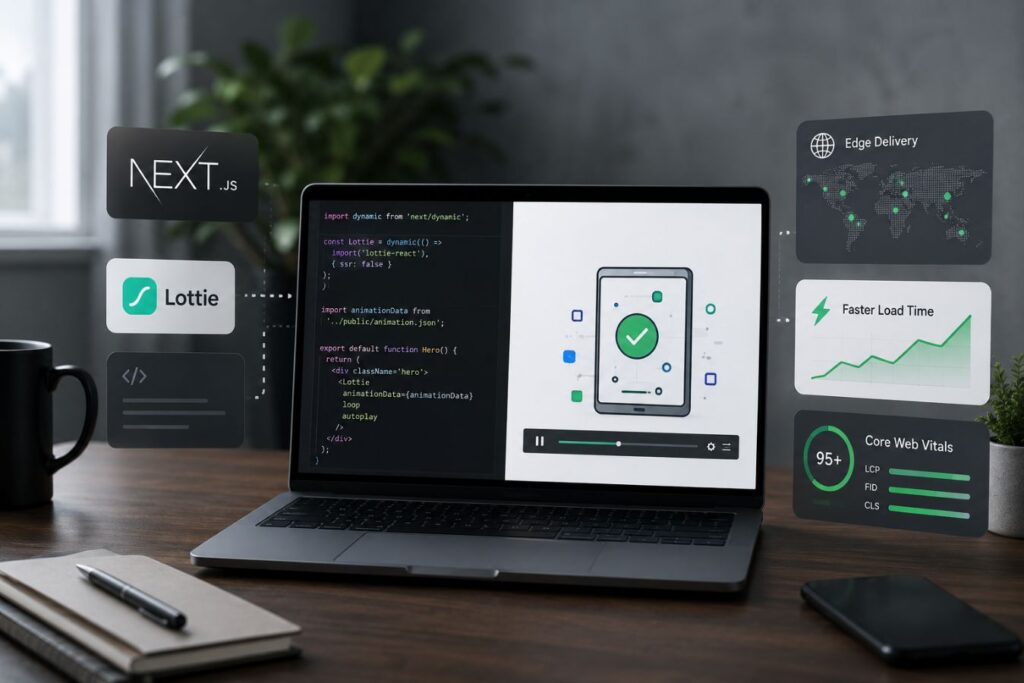
Over our 9+ years of engineering digital experiences, we have found that Next.js is the ultimate framework for edge-delivered animations.
However, if you just drop a massive Lottie file into your React code, you will still encounter performance bottlenecks.
You have to engineer the delivery with absolute precision.
Here is the exact developer framework for dominating Core Web Vitals with Lottie:
| The Next.js Tactic | The Implementation Logic | The SEO / Core Web Vitals Benefit |
| Dynamic Imports | Use next/dynamic to prevent the Lottie player library from loading in the initial JavaScript bundle. | Drastically reduces your initial load time, securing a perfect First Contentful Paint (FCP) score. |
| Intersection Observer | Program the Lottie file to only fetch and render when it physically enters the user’s viewport. | Saves massive bandwidth. The browser prioritizes text and critical CSS first. |
| Skeleton Loaders | Render a tiny, mathematically precise CSS box in the exact dimensions of the animation before it loads. | Completely eliminates Cumulative Layout Shift (CLS). The page layout never jumps. |
When you treat your graphic design assets with this level of engineering rigor, your website becomes an unstoppable force in organic search.
Why This Matters in Real Life: The Commuter Test
Imagine an enterprise CTO evaluating your SaaS platform on their smartphone while commuting on a fluctuating 4G network. If your website attempts to load every heavy animation at once, their browser will freeze, and they will immediately bounce to a competitor.
However, by utilizing Intersection Observers and Dynamic Imports, your site delivers the critical text instantly so they can begin reading. The animations only trigger smoothly as they scroll down the page. You deliver a flawless, high-speed presentation under the worst network conditions, silently proving your software’s superior backend architecture before they even book a demo.
When you treat your graphic design assets with this level of ruthless engineering rigor, your website becomes an unstoppable force in organic search.
Bridging Creative Design and Engineering
Executing this strategy requires tight collaboration between your creative designers and your frontend developers.
You cannot simply hand an engineer an Adobe After Effects file and expect a fast website. There is a strict, optimized pipeline that must be followed.
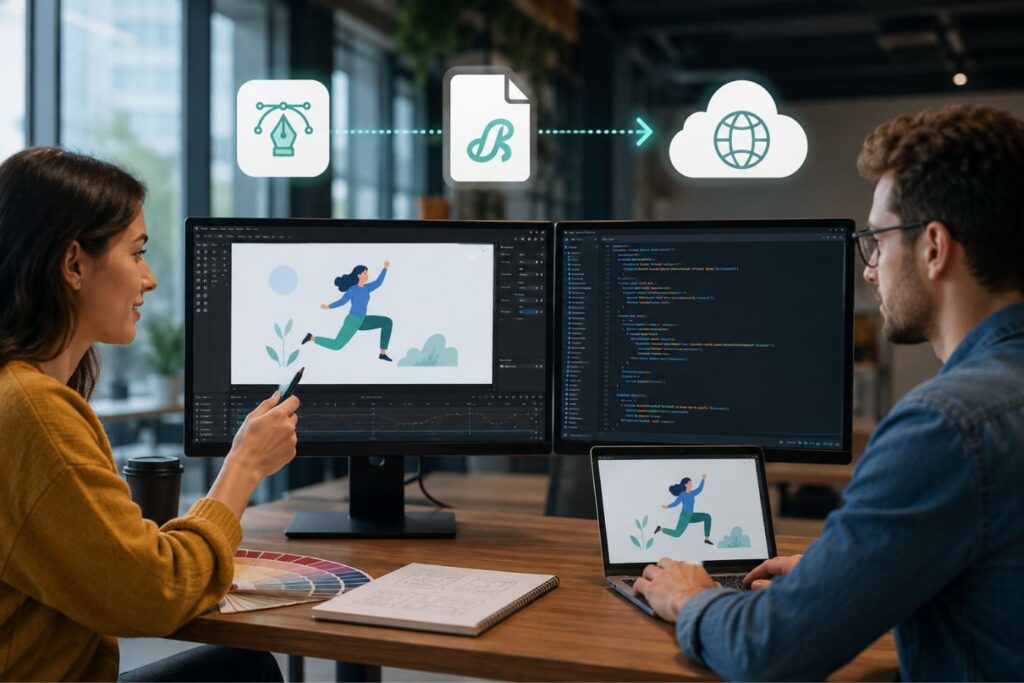
Every single layer, effect, and mask used by the designer directly impacts the final JSON file size.
The exact handover protocol for elite motion graphics:
- Step 1: Vector Rigidity: Designers must build all assets in Adobe Illustrator using clean, merged vectors. Avoid heavy raster images (like PNGs or JPEGs) inside the animation at all costs.
- Step 2: After Effects Optimization: When animating, designers must avoid heavy, unsupported effects. Drop shadows, complex blurs, and particle simulators bloat the code and cause browser lag.
- Step 3: The Bodymovin Export: Designers use the Bodymovin plugin to translate the After Effects keyframes directly into a single, minified JSON text file.
- Step 4: Developer Audit: The Next.js engineer reviews the JSON file. They optimize the framerate and integrate the file into the React component library using tools like
lottie-react.
By standardizing this pipeline, your agency can rapidly deploy breathtaking animations without ever sacrificing technical stability.
Case Study Snapshots: The ROI of Edge Animation
Theoretical speed optimizations only matter if they drive enterprise revenue. Fast websites convert better. Period.
Here is how upgrading from heavy video to edge-delivered Lottie animations directly solves massive business bottlenecks:
Case Study Snapshot: The Global FinTech Dashboard
- The Bottleneck: A financial SaaS platform used heavy GIF files to demonstrate their onboarding process. The landing page took 6.2 seconds to load on mobile, resulting in a 70% bounce rate before the user ever saw the product.
- The Solution: We deployed a complete motion graphic audit. We rebuilt the onboarding demonstrations as hyper-optimized Lottie animations and deployed them via Vercel’s edge network using Next.js lazy-loading.
- The ROI: Page load times plummeted to 0.8 seconds. Core Web Vitals turned entirely green in Google Search Console, and mobile demo bookings increased by 45% within the first month.
Case Study Snapshot: The Logistics API Provider
- The Bottleneck: A B2B logistics company had a stunning MP4 background video explaining their global routing API. However, the video caused massive layout shifts (CLS), actively penalizing their SEO rankings.
- The Solution: We replaced the heavy MP4 with a 120KB code-based vector animation. We used dynamic imports to ensure the animation only rendered after the primary H1 typography was fully visible.
- The ROI: The CLS penalty was entirely eradicated. The page achieved a 99/100 Google PageSpeed score, allowing their primary high-intent keywords to rank on page one, driving high-ticket organic leads.
Using Motion to Reduce Cognitive Load
We do not use edge-delivered animations just to make Google’s algorithm happy. We use them to improve the human experience.
In the enterprise space, your buyers are evaluating highly complex software architectures. Forcing them to read 1,000 words of technical documentation creates immense cognitive friction.

Motion graphics are the ultimate tool for visual storytelling.
How Lottie animations accelerate B2B product comprehension:
- Visualizing the Invisible: You can easily animate data packets moving securely through a firewall, instantly explaining your complex cybersecurity API without a single word of text.
- Scroll-Driven Storytelling: Instead of an auto-playing video, tie the Lottie animation’s timeline directly to the user’s mouse scroll. The user controls the pace of the explanation, creating a deeply engaging micro-interaction.
- Micro-Feedback: Use tiny, lightweight Lottie files for your UI buttons. When a user submits a form, a smooth animation of a checkmark provides immediate, satisfying validation.
When your software’s value proposition is effortlessly understood, your sales cycle dramatically shortens.
Keeping Motion Purposeful and Lightweight
Not every interface needs dramatic animation. In fact, too much motion can do the opposite of what you want. It can slow users down, create visual noise, and make the experience harder to follow.
That is why motion should always be purposeful. It should answer one of three questions:
- What changed?
- Where did it change?
- What should the user notice next?
If an animation does not help with one of those goals, it probably does not belong in the interface.
Motion as a Visual Communication Tool
Animation can communicate information much faster than text alone. When users see movement that demonstrates a process, they often understand the concept instantly.
Consider how different interface elements can use motion to improve comprehension:
| Interface Element | Static Experience | Motion-Enhanced Experience |
|---|---|---|
| Form Validation | Users read error messages manually | Animated feedback immediately identifies issues |
| Navigation Menus | Users must interpret menu changes | Smooth transitions show where content originates |
| Loading States | Users may think the page is broken | Animated indicators confirm ongoing activity |
| Feature Tutorials | Requires lengthy explanations | Visual demonstrations simplify learning |
| Success Messages | Easily overlooked | Subtle animations draw attention effectively |
By reducing the need for users to interpret complex information, motion lowers mental effort and improves usability.
Final Thoughts: Stop Compromising
For years, digital agencies operated under a false dichotomy: you could either have a beautiful, animated website that was slow, or a boring, static website that was fast.
That era is over.
By leveraging 2D motion graphics, Lottie JSON files, and Next.js edge caching, you can mathematically engineer the best of both worlds.
You can project the absolute digital luxury of a high-end brand while simultaneously dominating Google’s strictest performance metrics.
Stop settling for clunky MP4s. Stop apologizing for slow loading times.
Upgrade your visual communication to code, deploy it at the edge, and turn your website into an untouchable enterprise asset.
Frequently Asked Questions (FAQs)
1. What is the difference between a GIF and a Lottie animation?
A GIF is a series of static pixel-based images played in sequence, resulting in massive file sizes, poor color quality, and jagged edges on high-resolution screens. A Lottie is a text-based JSON file that uses mathematical code to draw the animation directly in the browser. This makes Lottie files infinitely scalable, perfectly crisp on any screen, and generally 90% smaller in file size than a comparable GIF.
2. Can I use Lottie animations on a standard WordPress website?
Yes, Lottie animations can be embedded into almost any platform, including WordPress, Shopify, and Webflow. However, to achieve true “Edge-Delivered” sub-second performance and perfectly lazy-loaded DOM manipulation, integrating them into a decoupled, modern frontend framework like Next.js or React remains the absolute enterprise standard.
3. Do Lottie files negatively impact mobile battery life?
If engineered poorly, any animation can cause the device’s CPU to work harder. However, Lottie files are inherently much lighter on device resources than decoding heavy MP4 video streams. To ensure zero battery strain, elite frontend developers use the IntersectionObserver API to instantly pause the Lottie code the exact moment the user scrolls it out of view.
About the Author