
The Millisecond Workstation: Exhaustive Hardware Specifications for Full-Stack Developers
The Hidden Cost of Hardware Friction
Every time your IDE freezes or a local server takes ten seconds to compile, you lose money. In the fast-paced world of digital engineering, a high-performance full-stack developer simply cannot operate at peak efficiency on consumer-grade hardware.
These seemingly harmless micro-delays compound into massive losses. When your hardware constantly lags behind your thought process, your cognitive flow shatters, forcing you to constantly rebuild your mental architecture.
💡 Expert Insight: The Cost of Friction
Your brain works faster than your machine. We engineer workstations to eliminate this friction entirely, ensuring your physical tools seamlessly match the speed of your technical expertise.
To understand why enterprise developers refuse to compromise on their tech stack, look at the hidden data behind hardware delays:
- Rapid-Fire Stat: A simple 10-second compilation delay, experienced 50 times a day, results in over 35 hours of lost development time per year.
- Rapid-Fire Stat: Human psychology dictates it takes an average of 23 minutes to regain deep “flow state” after a sudden hardware-induced freeze or crash.
- Rapid-Fire Stat: Upgrading from a standard SATA SSD to a PCIe Gen 4 NVMe drive reduces local application build times by up to 80%.
Today, we are unpacking the concept of the “Millisecond Workstation.” By the end of this exhaustive guide, you will have a clear, uncompromising blueprint to build, buy, and stress-test your next enterprise-grade machine.
Here is exactly what we will break down to guarantee zero-lag performance:
- The Processing Core: How to over-provision your CPU and RAM to handle heavy, decoupled architectures and active Docker containers effortlessly.
- The Storage Imperative: Why read/write speeds are the ultimate bottleneck for npm and composer commands.
- The Validation Protocol: The exact stress-testing checklist required to break a machine intentionally before using it for client work.
To see how hardware choices directly impact your bottom line, consider the difference between these two operational mindsets:
| The Engineering Approach | The Hardware Reality | The Direct Business Outcome |
| The “Good Enough” Consumer Setup | Prone to aggressive thermal throttling, maxed-out RAM, and sluggish UI rendering. | Frustrated developers, constantly interrupted workflows, and delayed project delivery. |
| The Millisecond Workstation | Over-provisioned resources, enterprise-grade cooling, and instant NVMe storage. | Unbroken cognitive flow, rapid code deployment, and maximum agency profitability. |
The CPU & RAM Equation: Powering Decoupled Architectures
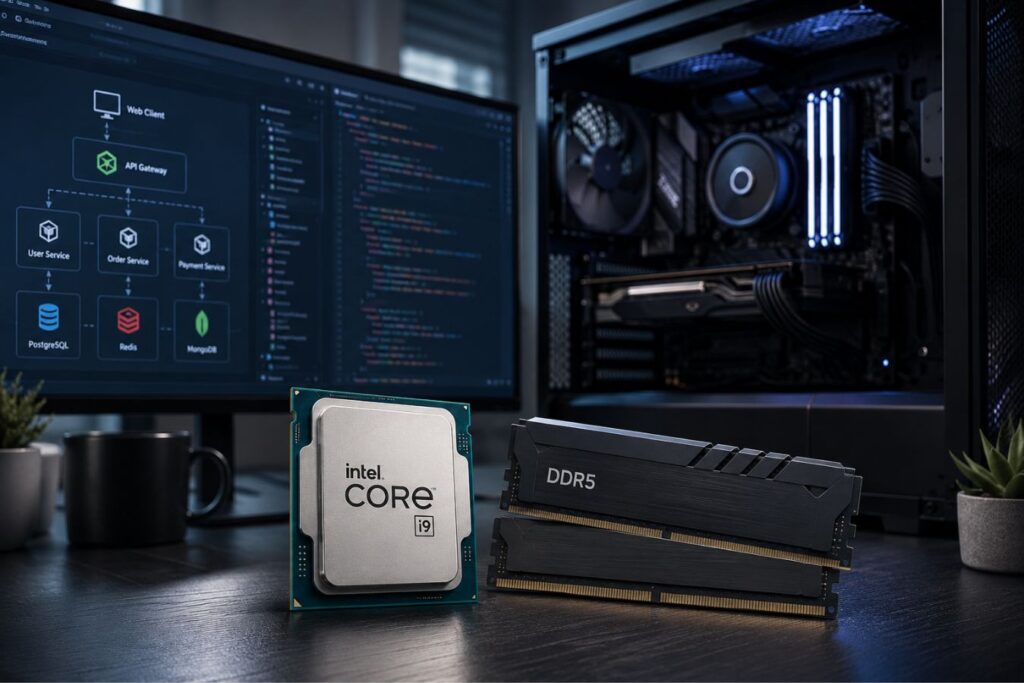
Running a decoupled architecture locally requires massive, sustained computational power. When you are spinning up a Next.js frontend, a complex Laravel backend, and a local database simultaneously, CPU threads and memory capacity matter immensely. Consumer laptops will immediately choke under the weight of active Docker containers and endless Node modules.
To maintain a zero-lag workflow, you must over-provision your processing core.
| Component | The Consumer Minimum | The Millisecond Workstation |
| Processor (CPU) | 4-Core i5 / Ryzen 5 | Minimum 8-Core to 14-Core i7 / i9 (or Apple M-Series Max equivalent) |
| Memory (RAM) | 16GB DDR4 | 32GB to 64GB DDR5 (Crucial for heavy virtualization and caching) |
| Thermal Architecture | Standard single fan | Vapor chamber or dual-fan cooling to prevent sustained throttling |
Over our 9+ years of engineering digital experiences, we have found that 32GB of RAM is the absolute minimum baseline. It allows you to run a heavy IDE, multiple local servers, and demanding design software side-by-side without ever paging memory to your hard drive.
Read/Write Speeds: Eliminating the Build Bottleneck
Processor speed is completely irrelevant if your hard drive cannot feed it data fast enough. Full-stack web development involves reading and writing tens of thousands of tiny files constantly. Every time you execute an npm install or a composer update, your speed relies entirely on your drive’s random read/write performance.
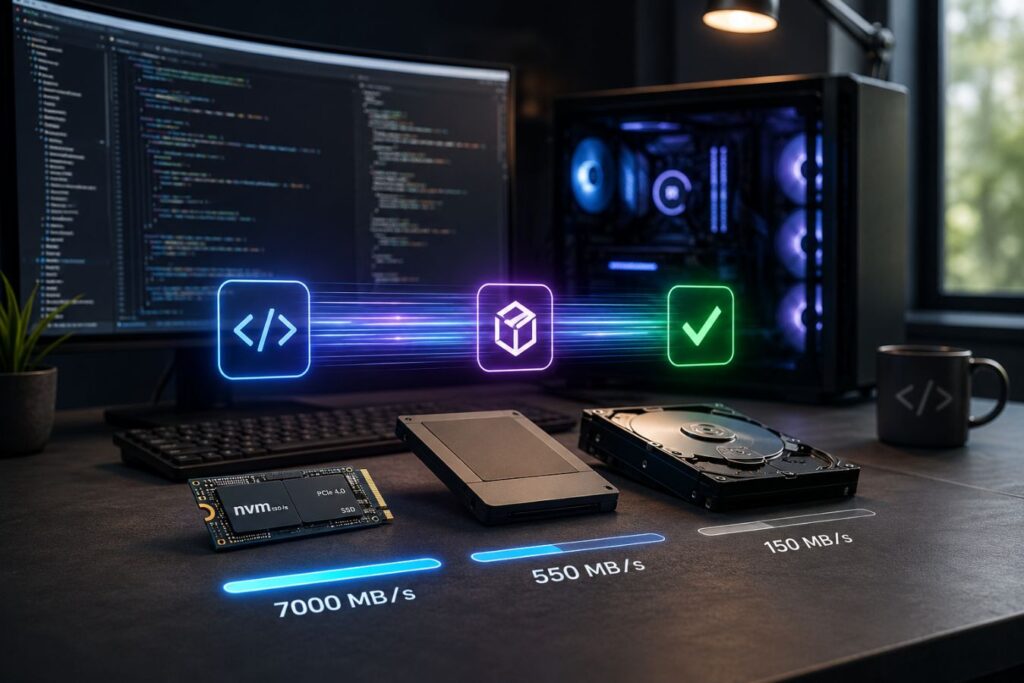
You must invest in a premium PCIe Gen 4 (or Gen 5) NVMe SSD. Older SATA SSDs max out around 500 MB/s, which creates a massive bottleneck for modern workflows. A top-tier NVMe drive pushes past 7,000 MB/s, literally reducing your application build times from minutes to mere seconds.
The Storage Priority
- OS & IDE Drive: A dedicated 1TB NVMe strictly reserved for your operating system, IDEs, and core development tools to ensure instantaneous boot times.
- Active Project Drive: A secondary 1TB NVMe drive to isolate your active project repositories and local databases, keeping read/write streams unhindered.
- Cold Storage: External high-speed SSDs or cloud storage for archived client projects, keeping your primary workstation drives completely uncluttered and optimized.
The Display & GPU: Bridging Design and Development
A premium developer’s machine cannot operate solely as a terminal engine. It must also possess the hardware capability to render flawless visual experiences in real-time.
When translating high-fidelity UI/UX designs into functional frontend code, “close enough” color accuracy is completely non-negotiable. Your workstation’s display must strictly mirror the exact, uncompromising standards of your creative design team.
⚠️ If your screen shifts colors when you tilt your head, you are actively guessing your client’s brand identity. Stop guessing.
This absolute need for visual parity is why elite agencies reject bulky, plastic gaming laptops. We rigorously evaluate enterprise-grade mobile workstations, like the Dell Precision 5000 series, because they represent the ultimate professional crossover.
These machines deliver the raw, unthrottled processing power of a backend server while simultaneously driving a stunningly precise 4K display.
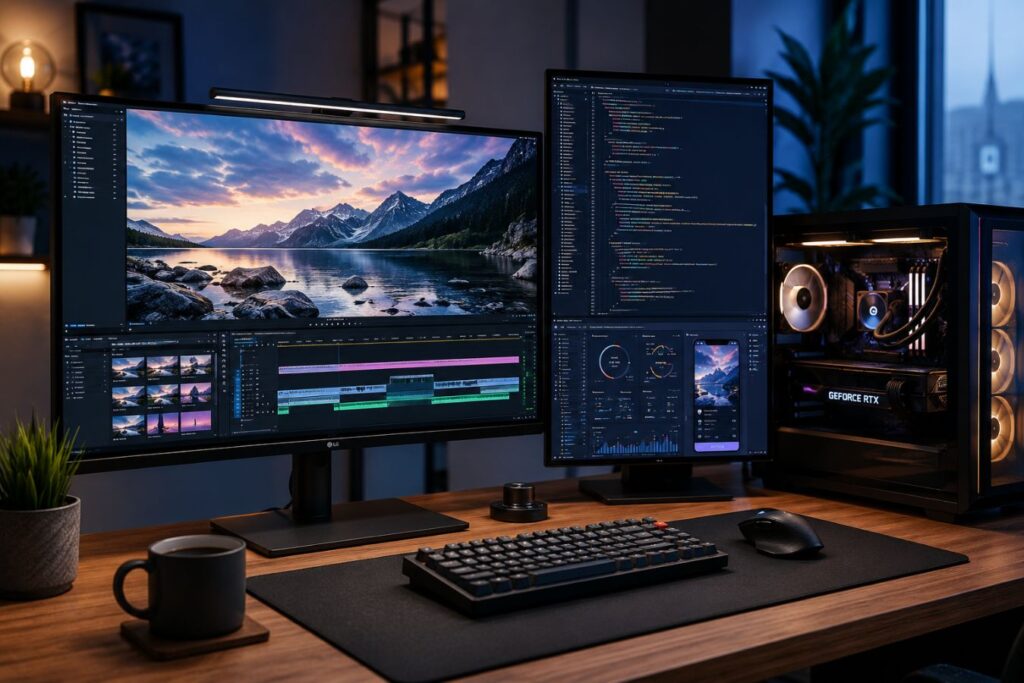
To understand why developers must stop coding on consumer-grade screens, look at how display hardware directly impacts your final product:
| Hardware Focus | Consumer / Gaming Laptops | Enterprise Mobile Workstations |
| Color Accuracy | Prioritizes fast refresh rates. Colors often appear washed out or over-saturated. | Mathematically accurate. Covers 100% sRGB for perfect brand hex-code matching. |
| GPU Utilization | Designed to push 3D polygons and heavy gaming textures. | Engineered to accelerate web UI animations and drive 4K monitors without CPU lag. |
| Display Finish | Often uses highly reflective glass, causing severe glare in bright offices. | Utilizes premium anti-reflective coatings to protect focus and reduce eye strain. |
💡 A powerful processor compiles your code, but a premium display validates your final product. You need both to be an elite developer.
To ensure your machine can seamlessly bridge the gap between backend logic and frontend beauty, never compromise on these three specs.
The Visual Architecture Checklist:
- Color Gamut (The Baseline): Ensure your laptop display covers a minimum of 100% sRGB and 95%+ DCI-P3/Adobe RGB to guarantee mathematically accurate web and print rendering.
- Dedicated GPU (The UI Engine): You do not need a GPU for 3D gaming. You need it to seamlessly accelerate heavy DOM animations and drive multiple external 4K monitors without starving your CPU.
- Anti-Glare Technology (The Marathon Tool): Matte finishes or advanced anti-reflective coatings are absolutely essential. They drastically reduce visual fatigue and eye strain during intensive, late-night coding sessions.
The Physical Chassis: Portability Meets Durability
Enterprise developers and agency founders are rarely chained to a single desk all day. The modern full-stack workflow requires moving seamlessly from the home office, to the boardroom, and directly onto remote client sites.
This nomadic reality demands an uncompromising physical machine. Your workstation must survive daily transport without ever suffering structural damage or thermal degradation.
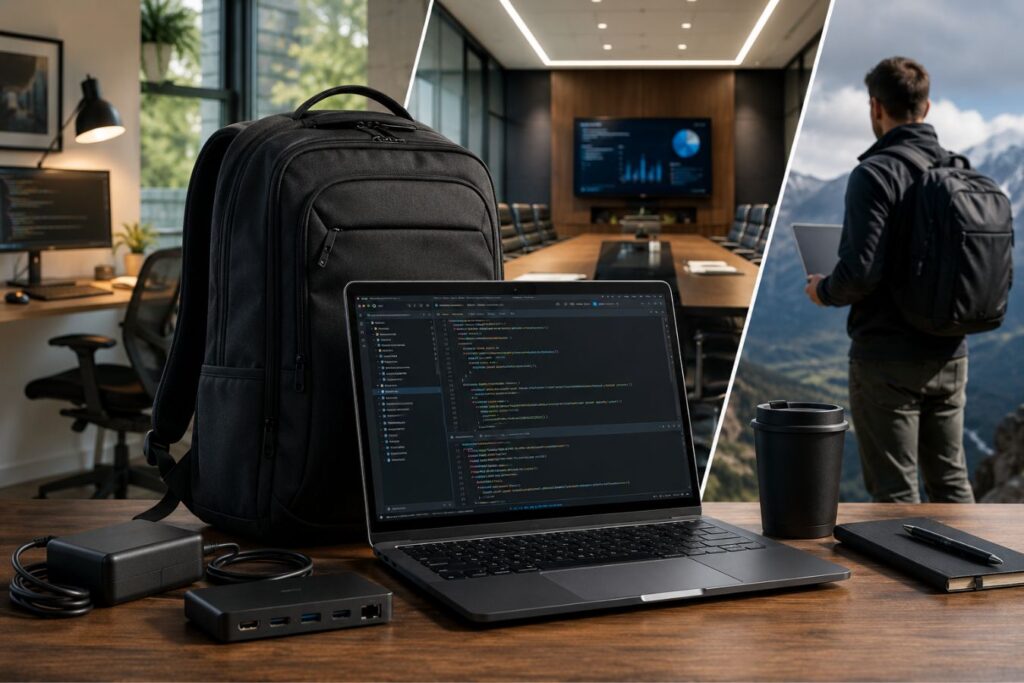
If your laptop feels fragile, or if the keys feel mushy and unresponsive, your typing speed drops. When your hardware feels cheap, your daily frustration multiplies exponentially.
🧠 Mental Model: The “Formula 1 Cockpit”
Think of your laptop like a high-performance racing cockpit. A massive engine (your CPU) is completely useless if the steering wheel (your keyboard and trackpad) is sloppy. Your physical touchpoints must be engineered for absolute precision so you never have to think about them while operating at top speed.
To ensure your machine survives the realities of agency life, the physical build must be engineered from machined aluminum and carbon fiber never flexible, consumer-grade plastic.
Here is how chassis materials directly impact the lifespan of your investment:
| Chassis Material | The Structural Reality | The Developer Experience |
| Consumer Plastic | Bends easily under pressure and acts as an insulator, trapping heat. | Motherboard flexes in your backpack, risking microscopic fractures and system failure. |
| Aluminum & Carbon Fiber | Exceptionally rigid, lightweight, and acts as a passive heatsink. | Premium durability; survives constant travel while aggressively protecting internal silicon. |
🧠 Mental Model: The “Single-Cable Command Center”
Imagine walking into a high-stakes client meeting. Instead of fumbling with five different dongles and chargers while the executives wait, you plug in exactly one cable. Instantly, your power, network, and dual 4K displays are live. That is the professional authority of enterprise docking.
To maintain your coding velocity and protect your physical health during marathon sessions, your workstation must meet these absolute ergonomic baselines:
- Tactile Keyboard Travel: A minimum of 1.3mm to 1.5mm key travel is strictly required. This provides the crisp, tactile feedback necessary for high-speed, error-free typing.
- Thunderbolt 4 Integration: Mandatory for a single-cable docking solution. It provides the massive bandwidth needed to instantly connect you to external monitors, ethernet, and power delivery.
- Absolute Chassis Rigidity: Zero flex on the keyboard deck is non-negotiable. This prevents internal components from bending under the weight of your resting palms over the course of three years.
To understand the immediate return on investment, look at how ergonomic hardware translates into business efficiency:
| The Ergonomic Feature | The Immediate Physical Benefit | The Long-Term Project Outcome |
| 1.5mm Key Travel | Drastically reduces finger fatigue. | Higher lines-of-code per hour with significantly fewer syntax typos. |
| Thunderbolt 4 Ports | Eliminates desk clutter and connection stress. | Frictionless, instant transitions between deep-focus home work and live client demos. |
The Stress-Testing Checklist: Breaking the Machine
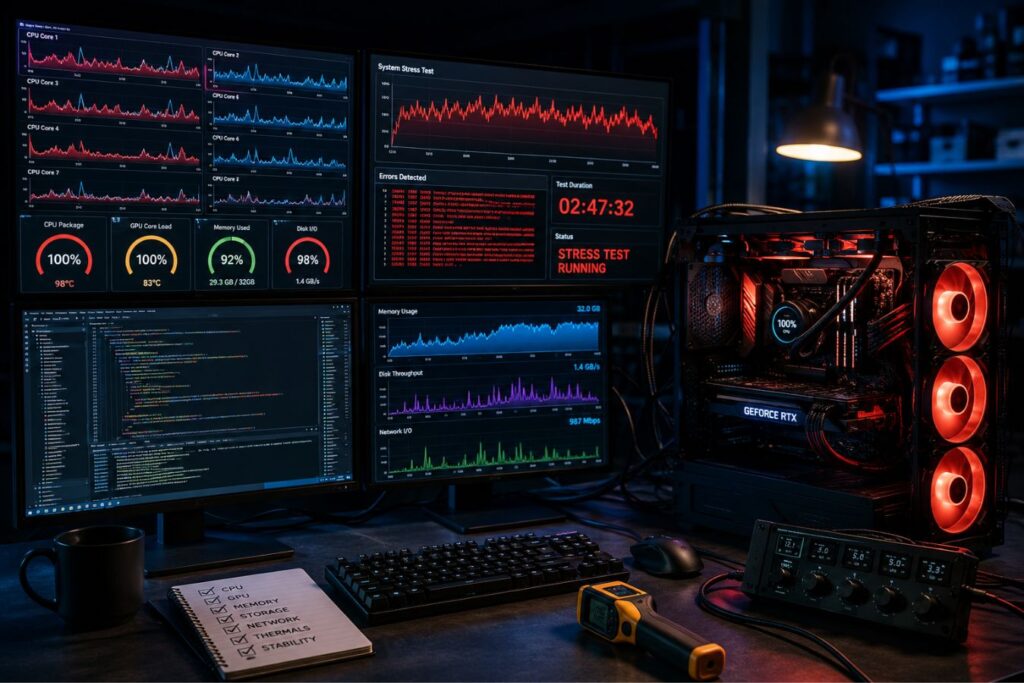
You should never, under any circumstances, deploy a new workstation into a live production environment without validating its stability first. Fresh out of the box, you must purposefully push the hardware to its absolute thermal and computational limits. This guarantees you uncover manufacturing defects or thermal throttling before you are on a tight client deadline.
Execute this exact diagnostic workflow on your new machine:
- The Thermal Throttling Test: Run a synthetic benchmark (like Cinebench R23) on a continuous 30-minute loop. Monitor the CPU temperature to ensure the cooling system maintains high clock speeds without aggressively downclocking.
- The Container Load Test: Spin up ten heavy Docker containers simultaneously alongside a massive local database. Verify that your 32GB+ RAM pool handles the intense virtualization without crashing your system or stuttering.
- The Build Time Benchmark: Clone your heaviest Next.js and Laravel repositories to the new drive. Time a fresh
npm run buildand compare it against your old machine to calculate your exact millisecond time savings. - The Display Calibration: Use an external hardware colorimeter to verify the screen’s color accuracy matches the manufacturer’s claims out of the box, ensuring perfect UI/UX translation.
Final Thoughts: Translating Hardware into Agency Success
Elite hardware is the invisible, foundational pillar of every successful digital agency. When our development and design teams are not fighting their equipment, they are free to focus entirely on innovation and problem-solving. This directly translates to faster project deliveries, cleaner code architecture, and a frictionless, premium client experience.
At Creative Riz, we treat our hardware infrastructure as a core component of our brand’s reliability and authority. We invest heavily in the absolute best mobile workstations to ensure our custom digital solutions are engineered without compromise. When you partner with us, you are leveraging a fully optimized tech stack from the physical silicon all the way to the deployed code.
Frequently Asked Questions (FAQs)
1. Are Apple MacBooks or Windows PC workstations better for full-stack development?
Both ecosystems are highly capable. Apple’s M-Series chips offer incredible battery life and UNIX-based terminal integration, which is beloved by developers. However, high-end Windows mobile workstations (like the Dell Precision lines) offer superior upgradability, better Docker performance in some enterprise scenarios, and wider compatibility with legacy corporate backend tools.
2. Is a dedicated GPU really necessary if I am only writing code and not editing video?
If you are strictly writing backend logic, integrated graphics are sufficient. However, if you are a true full-stack developer working on high-end UI/UX, or if you plan to dock your laptop to dual 4K monitors, a dedicated GPU is highly recommended. It offloads the display rendering from the CPU, keeping your processor fully dedicated to compiling code.
3. How often should a high-performance developer upgrade their primary workstation?
For enterprise-level development, the standard hardware lifecycle is between 3 to 4 years. Beyond this point, the degradation of the laptop’s battery, the accumulation of thermal paste wear, and the rapid advancement of framework requirements (like AI-assisted coding tools) will start to introduce noticeable friction into your daily workflow.
About the Author