
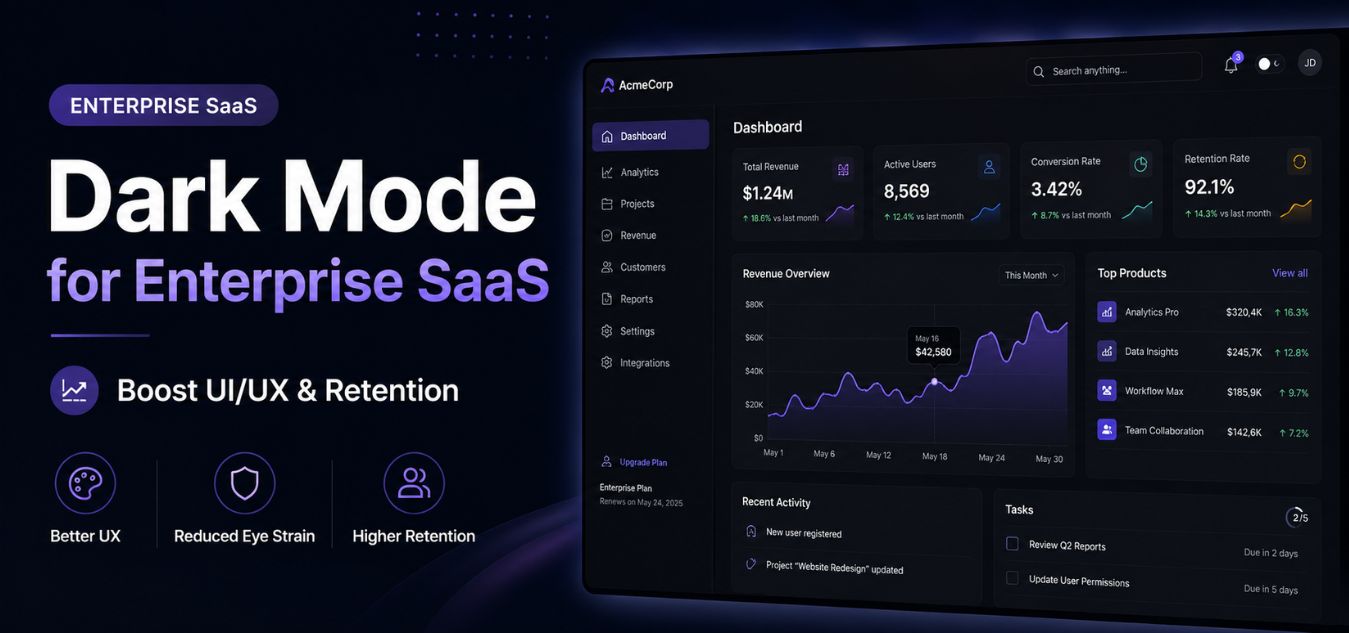
Dark Mode for Enterprise: Why Premium B2B SaaS Platforms Are Shifting to Low-Luminance Interfaces
The Death of the Blinding Dashboard
For years, enterprise software was synonymous with sterile, blindingly white dashboards. B2B platforms were designed to mimic physical spreadsheets and paper documents.
However, the modern workplace has drastically evolved, and so has our understanding of user stamina. Today’s enterprise users spend upwards of eight hours a day staring at glowing monitors.
When you force a data analyst or executive to stare at a pure white interface for hours, you are actively draining their energy. This visual fatigue directly leads to shorter session durations and higher churn rates.
💡 Expert Insight: The Retention Formula
User retention is directly tied to user comfort. If your software gives your clients a headache, they will log out. Low-luminance interfaces eliminate visual friction, naturally extending the amount of time users comfortably spend inside your platform.
Today, we are unpacking the strategic shift toward Dark Mode for Enterprise. We will explore why low-luminance UI/UX design is no longer a trendy aesthetic, but a fundamental driver of B2B retention.
By the end of this guide, you will understand how to implement sophisticated dark mode architectures that keep your users engaged, comfortable, and loyal.
Combating Digital Eye Strain in the Workplace
To understand why premium SaaS is going dark, we must look at the physical toll of traditional software. Digital eye strain often called Computer Vision Syndrome is a massive, silent productivity killer in the corporate world. Staring at a blinding white dashboard is no longer just a design choice; it is an active physical liability for your clients.
Real-World Scenario: The 2:00 PM Exodus
Imagine a senior data analyst using your platform. After six hours of staring at a glaring white screen, their eyes are burning, their vision is blurring, and a migraine is setting in. They aren’t closing your application because they finished their work; they are closing it because they physically cannot look at it anymore.

Here is exactly what happens when you force users to work in traditional light mode:
- The Blue Light Scatter: Bright white screens emit heavy amounts of high-energy blue light. This light scatters inside the eye, forcing the optical muscles to work constantly just to maintain focus on complex data tables.
- The Light Mode Penalty: A pure white background acts like a flashlight pointed directly into your user’s face. It accelerates visual exhaustion, causes dry eyes, and dramatically shortens software session times.
- The Dark Mode Relief: Low-luminance interfaces drastically reduce overall light emission. This allows the user’s iris to relax and physically expand, instantly extending their comfortable working hours.
To understand the direct connection between interface design and human endurance, look at how the body reacts to visual stimuli:
| UX Choice | The Physical Reaction | The User’s Resulting Action |
| Traditional Light Mode | Eye muscle strain, Iris constriction, Blue-light scattering. | Frequent screen breaks, afternoon headaches, logging off early. |
| Premium Dark Mode | Muscle relaxation, Reduced screen glare, Softer focal points. | Sustained focus, physical comfort, extended session duration. |
When you eliminate physical friction, you unlock measurable business growth. Protecting your user’s well-being isn’t just good design; it is the ultimate form of customer service.
| Operational Metric | The Blinding Dashboard | The Low-Luminance Interface |
| Data Entry Accuracy | Lower. Blurred vision leads to increased typos and operational errors. | Higher. Comfortable eyes track complex data rows and charts perfectly. |
| User Churn Risk | High. Users subconsciously associate the app with physical exhaustion. | Low. Empathy-driven design builds deep user loyalty and software reliance. |
When users are physically comfortable, they execute complex tasks faster, make fewer errors, and stay inside your platform longer. Empathy-driven design always wins the enterprise contract.
Why Dark Mode Feels Expensive and Authoritative
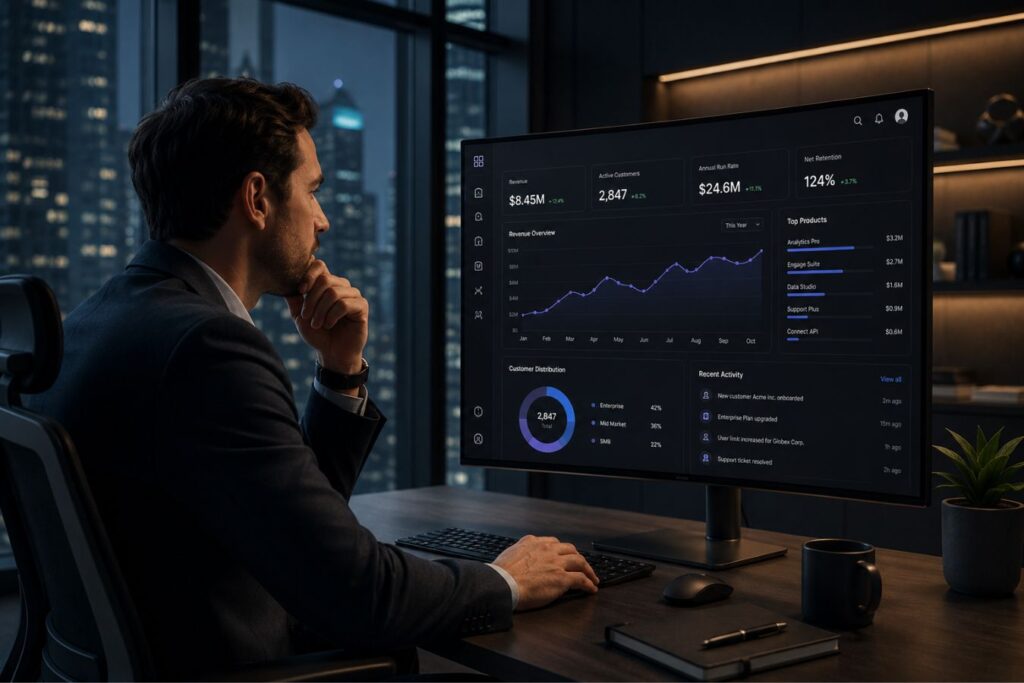
A common and disastrous mistake founders make is assuming dark mode just means turning the background pitch black and the text bright white. This creates a painful “halation effect,” where white text appears to bleed and blur into the darkness, actively worsening eye strain. Premium dark mode isn’t a simple color inversion; it requires a highly nuanced, carefully calculated color architecture.
Real-World Scenario: The “Quick Fix” Disaster Imagine a dev team rushing to meet a deadline by simply applying a CSS filter to invert their software’s colors. Suddenly, neon brand accents are vibrating against a #000000 background, and users are complaining of migraines within twenty minutes. True dark mode isn’t a lazy afterthought it is a deliberate, mathematical engineering choice.
To ensure your interface feels premium rather than painful, you must strictly follow these four non-negotiable design rules:
- 1. The Background Rule
- The Pain: Pure black (
#000000) paired with bright text creates extreme contrast, visual vibration, and severe eye fatigue. - The Fix: Never use pure black. Build your foundational interface using deep, cool grays (like
#121212or#1E1E1E). - The Outcome: Dark grays absorb light rather than reflecting it, reducing visual friction while allowing you to use subtle shadows to show spatial depth.
- The Pain: Pure black (
- 2. The Typography Rule
- The Pain: Pure white text (
#FFFFFF) on a dark canvas causes halation, making the letters look blurry and difficult to focus on. - The Fix: Soften your typography. Use light, muted grays (like
#E0E0E0) for your primary reading text to lower the contrast ratio. - The Outcome: Your data tables and reports remain perfectly legible but stop “screaming” at the user, ensuring hours of comfortable reading.
- The Pain: Pure white text (
- 3. The Accent Rule
- The Pain: Bright, heavily saturated brand colors that look beautiful on a white background will visually vibrate and clash painfully on a dark canvas.
- The Fix: Desaturate your brand accents. Shift your primary buttons, status badges, and alert colors into softer, pastel-leaning tones.
- The Outcome: Critical calls-to-action still command attention, but they do so without inducing a headache, maintaining a refined aesthetic.
- 4. The Elevation Rule
- The Pain: Traditional drop shadows completely disappear on dark backgrounds, making overlapping menus or active cards look like a flat, confusing mess.
- The Fix: Establish elevation through lightness. Use progressively lighter shades of gray for UI elements that sit “higher” or closer to the user.
- The Outcome: Users instantly and intuitively understand the structural hierarchy of your software without you having to rely on heavy, ugly borders.
Light Mode vs. Dark Mode: The Enterprise Matchup
It is important to clarify that dark mode does not universally replace light mode. The best enterprise platforms offer both, allowing users to toggle based on their ambient environment.
However, understanding when and why dark mode outperforms traditional layouts is critical for your product roadmap.
Let’s compare how the two interfaces handle the demands of enterprise workflows:
| UX Metric | Traditional Light Mode | Premium Dark Mode |
| Session Duration | Shorter. High light emission causes fatigue after 2-3 hours. | Longer. Low luminance allows for comfortable 6+ hour sessions. |
| Data Visualization | Charts can blend into the background if not heavily bordered. | Neon and pastel data points stand out brilliantly with zero effort. |
| Perceived Value | Feels standard, utilitarian, and widely expected. | Feels modern, exclusive, highly engineered, and premium. |
| Focus & Hierarchy | The entire screen demands equal visual attention. | The dark background vanishes, forcing total focus onto the active data. |
The Nuance of True Low-Luminance Design
A common and disastrous mistake founders make is assuming dark mode just means turning the background black and the text white. This is catastrophic for usability.
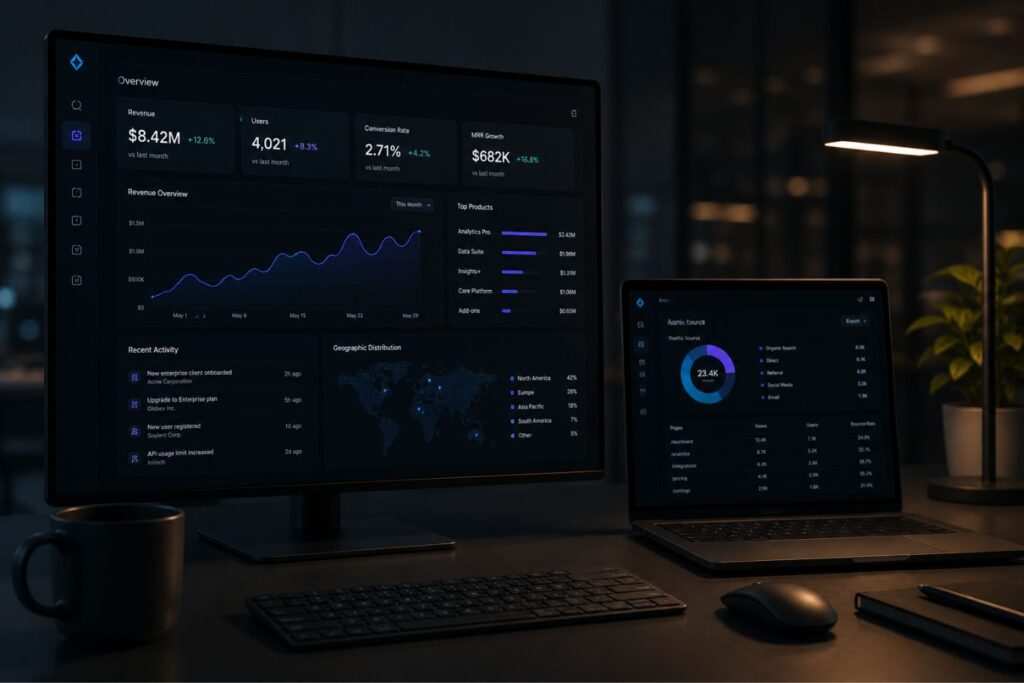
Pure black (#000000) paired with pure white (#FFFFFF) creates incredibly high contrast. This actually causes a halation effect, where the white text appears to bleed and blur into the black background, worsening eye strain.
Premium dark mode requires a highly nuanced, carefully calculated color architecture.
Here are the non-negotiable rules for enterprise dark mode design:
- 1. Never Use Pure Black: Build your interface using deep, cool grays (like
#121212or#1E1E1E). Dark grays reduce visual vibration and allow you to use shadows to show depth. - 2. Soften the Typography: Avoid pure white text. Use light, muted grays (like
#E0E0E0) for your primary reading text to soften the contrast ratio. - 3. Desaturate Your Accents: Bright, saturated brand colors that look great on white will vibrate painfully on dark gray. Desaturate your primary buttons into softer, pastel tones.
- 4. Establish Elevation: Because you cannot use traditional drop shadows as effectively on dark backgrounds, you must use lighter shades of gray to indicate overlapping menus or active cards.
How Aesthetics Drive B2B Software Renewals
In the B2B space, the buyer is often not the end-user. The CTO might purchase your software, but their team of analysts has to use it every day.
If the daily users hate the interface because it gives them eye strain, they will complain to leadership. When renewal time comes, those complaints become the primary reason your contract gets canceled.

User retention is fundamentally tied to daily adoption. If you remove the physical friction of using your app, daily active usage metrics skyrocket.
The Dark Mode ROI Cycle
- Step 1: Reduced Visual Friction. The low-luminance UI eliminates glare and prevents afternoon eye strain.
- Step 2: Extended Session Duration. Users comfortably stay inside the dashboard longer, completing more complex, deep-work tasks.
- Step 3: Increased Product Reliance. Because the software is pleasant to use, it becomes deeply integrated into their daily operational habits.
- Step 4: Guaranteed Retention. High daily active usage metrics make it mathematically impossible for enterprise buyers to justify canceling the contract.
Mini Case Snapshots: Securing the Enterprise Client
The decision to invest in a dark mode architecture should be driven by data and user feedback, not just design trends.
Here is how optimizing for low-luminance directly solves churn bottlenecks in real-world B2B scenarios:
Mini Case Snapshot: The Financial Trading Terminal
- The Bottleneck: A B2B trading platform was losing market share. Users reported extreme fatigue having to stare at glaring white data tables for 8 hours while tracking volatile markets.
- The UI/UX Fix: We engineered a custom dark mode utilizing a deep slate-blue background. We desaturated the red and green market indicators to prevent visual vibration.
- The ROI: Average daily session duration increased by 42%. User surveys indicated a massive drop in visual fatigue, directly securing the renewal of three major institutional accounts.
Mini Case Snapshot: The Healthcare Analytics Dashboard
- The Bottleneck: Hospital administrators were abandoning a new predictive analytics tool, preferring to export the data to Excel because the platform’s interface was “too loud and chaotic.”
- The UI/UX Fix: We implemented a low-luminance “Night Shift” mode. By darkening the background, the critical patient-risk alerts (in soft amber) became the undeniable focal point, stripping away the chaos.
- The ROI: In-app data interaction jumped by 60%. Administrators stopped exporting to Excel because the dark interface finally allowed them to focus on the data narrative without distraction.
Engineering the Seamless Toggle Experience
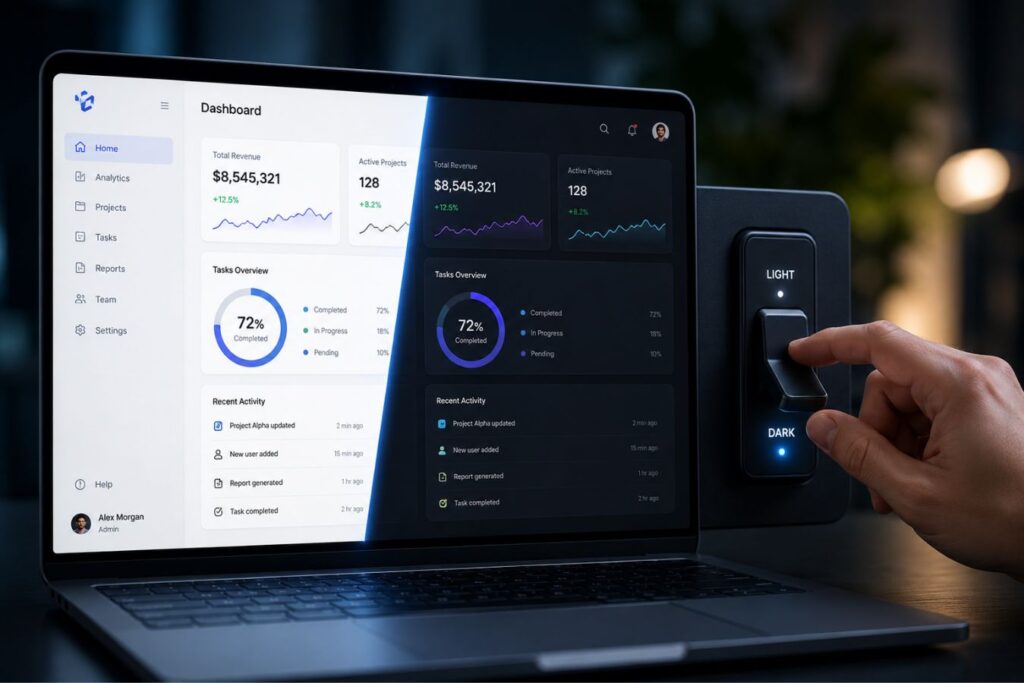
Designing a beautiful dark mode is only half the battle; engineering it flawlessly is the other. Your development team must architect the frontend so that switching themes is instantaneous and frictionless.
If a user clicks the “Dark Mode” toggle and the page has to refresh, or if half the icons remain inverted, you instantly shatter the premium illusion.
This requires elite, modern full-stack development.
- CSS Custom Properties: Your developers must use CSS variables (custom properties) for every single color in the application. This allows the entire theme to swap globally with one click.
- System Preference Sync: The software should automatically detect the user’s operating system preferences (macOS or Windows) and default to their preferred dark or light setting on their first login.
- SVG Icon Swapping: Ensure your graphic assets are coded as scalable vectors that dynamically change fill colors based on the active theme, preventing invisible icons.
Final Thoughts: Designing for Human Endurance
The era of forcing enterprise workers to adapt to uncomfortable, blinding software is over. Today, the software must adapt to the human.
Implementing a premium, low-luminance interface is no longer a luxury feature; it is an absolute necessity for B2B platforms that want to command high-ticket pricing. Dark mode demonstrates profound empathy for your user’s physical endurance.
By investing in deep grays, softened typography, and vibrant data visualization, you actively remove the friction that causes user churn. You transform your platform from a daily chore into a premium, focused command center.
If your current software is causing visual fatigue, your competitors are already designing the dark mode alternative that will steal your clients.
Frequently Asked Questions (FAQs)
1. Is dark mode inherently better for every single user?
No, UI preference is highly subjective and depends on ambient lighting. While dark mode drastically reduces eye strain in dimly lit offices, light mode is often easier to read in bright, direct sunlight. This is why premium SaaS platforms must offer a toggle, giving the user absolute control over their visual environment.
2. Does implementing dark mode actually save laptop battery life?
Yes, but only on specific hardware. If your users are on modern devices with OLED or AMOLED screens, dark mode saves significant battery power because true-black pixels are physically turned off. However, on older LCD screens, the backlight remains on regardless of the screen color, so the battery savings are negligible.
3. How difficult is it to add dark mode to an existing SaaS application?
The difficulty depends entirely on your current codebase. If your platform was built using strict CSS variables and a unified design system, adding a dark theme can be surprisingly fast. However, if your application has hard-coded color values scattered across thousands of lines of legacy code, implementing dark mode will require a comprehensive frontend refactoring.
About the Author