
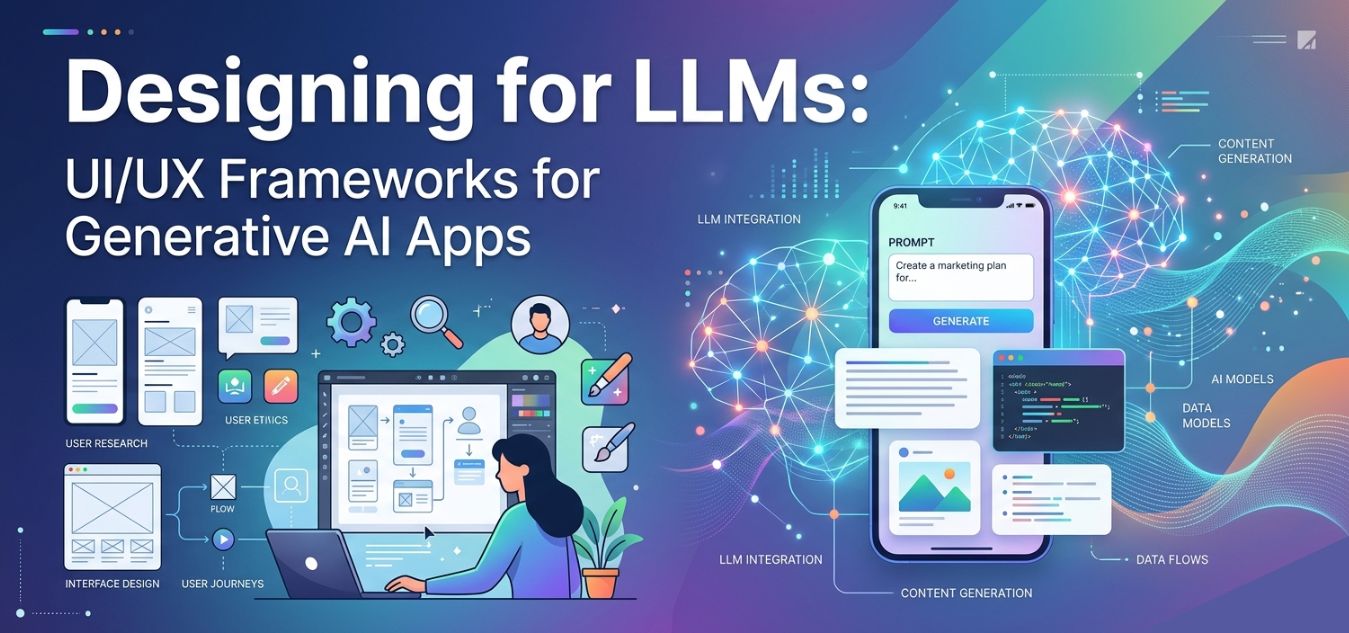
Designing for LLMs: UI/UX Frameworks for Generative AI Apps
The Paradigm Shift in Product Design
The era of static software is ending as Generative AI and Large Language Models (LLMs) completely reshape digital product interactions. However, simply bolting a generic chatbot onto an existing application is not a design strategy; it is a frustrating usability nightmare. Users are easily overwhelmed by open-ended text boxes, suffering from “blank canvas syndrome” because they do not know what the AI is capable of doing.
- The UX Evolution: Designers must shift from creating static navigation menus to building dynamic, conversational, and highly contextual interfaces.
- Guided Interactions: Interfaces must evolve past empty prompts to actively show users how to ask questions and what results to expect.
- Proven Strategies: At Creative Riz, our 9+ years of crafting intuitive digital experiences demonstrate that designing for AI requires an entirely new set of UX principles.
Let’s explore the new UI/UX frameworks required to build ethical, engaging, and highly functional AI applications. If you are building a custom AI tool, you can always explore our Custom UI/UX Design Services.
The Problem with Traditional UI in an AI World

Traditional UI design relies on deterministic actions. A user clicks a button, and the system performs a specific, predictable task.
Generative AI, however, is probabilistic. The same prompt can yield different results, and the output is rarely perfect on the first try.
This creates a massive friction point for users who expect immediate, flawless execution.
Why Traditional Interfaces Fail for AI:
- The Blank Canvas: An empty text prompt offers zero affordances. Users are forced to guess the system’s capabilities.
- Unpredictable Latency: LLMs take time to generate responses, making traditional loading spinners feel broken.
- Lack of Steerability: Users struggle to modify or tweak AI outputs without completely rewriting their prompts.
- Trust Issues: Traditional UI implies accuracy, but AI can hallucinate, leading to severe trust deficits.
To fix this, we need to design interfaces that guide the user, manage expectations, and make collaboration with AI feel natural.
See how we solve real SaaS interface challenges in our UI/UX Design Portfolio.
Framework 1: Prompt-less Interfaces (Invisible AI)
The best AI interface is often one where the user doesn’t even realize they are prompting an AI.
Instead of forcing users to learn prompt engineering, we must build UI controls that translate human intent into machine instructions.
This approach is crucial for B2B dashboards and Next.js web applications where speed and efficiency are paramount.
Key Components of Prompt-less UX:
- Contextual Suggestions: Displaying dynamic buttons based on the user’s current task (e.g., “Summarize this thread” or “Make tone professional”).
- Structured Inputs: Using dropdowns, sliders, and toggles to build the prompt behind the scenes.
- Auto-filling Context: The system automatically pulls in background data so the user doesn’t have to type it.
By embedding AI directly into the user’s workflow, you eliminate cognitive load. The AI becomes a silent, helpful co-pilot rather than a demanding chatbot.
Framework 2: Steerability and Iterative Control

Generative AI is a collaborative process. The first output is rarely the final product.
Your UX must allow users to easily tweak, mold, and refine the AI’s generation without starting from scratch.
We call this “Steerability” giving the user a steering wheel for the algorithm.
How to Design for Steerability:
- Inline Editing: Allow users to highlight a specific sentence in an AI response and ask for only that part to be rewritten.
- Output Variations: Always generate 2-3 different options (e.g., “Creative,” “Formal,” “Concise”) so users can choose the best fit.
- Version History: Provide an easy way to undo changes or revert to a previous AI generation.
When users feel they are in control of the AI, they are far more forgiving of its mistakes.
Traditional SaaS UX vs. Generative AI UX
To clearly understand the shift in design thinking, let’s compare traditional software patterns with modern AI interface requirements.
| Feature | Traditional SaaS UX | Generative AI UX |
| Primary Interaction | Clicking buttons and navigating menus | Conversational prompts and contextual nudges |
| User Expectation | Deterministic (exact, predictable outcomes) | Probabilistic (variable, evolving outcomes) |
| Error Handling | Clear system error codes (e.g., 404, 500) | Managing hallucinations and inaccurate data |
| Loading States | Static spinners and progress bars | Skeleton screens, streaming text, and status updates |
| Onboarding | Tooltips explaining where buttons are | Prompt templates explaining what the AI can do |
This table highlights why lifting and shifting old design systems into an AI product will ultimately fail. You need a dedicated, AI-first design strategy.
Framework 3: Designing for Trust and Transparency
In the world of Generative AI, trust is your most valuable asset. If an LLM hallucinates and your UI presents that hallucination as a fact, you lose the user.
Ethical UX in AI requires radical transparency. You must visually communicate the AI’s confidence and sources.
Never let the interface pretend the AI is a flawless human expert.
UI Tactics for Building Trust:
- Visible Citations: If the AI pulls data, include clickable reference links to the original source.
- Confidence Indicators: Use visual cues (like a yellow caution icon) if the AI is unsure about a specific generated fact.
- Clear Disclaimers: Subtly remind users that AI can make mistakes, using micro-copy near the generation box.
- Feedback Loops: Always include simple thumbs-up/thumbs-down icons so users can report bad outputs.
Building trust isn’t just about good design; it is about protecting your brand. Need help auditing your platform’s user trust? Schedule a UX Audit with our team.
Designing for Latency: The Wait is Part of the UX

LLMs are computationally heavy. Generating complex text, code, or images takes time.
In traditional UI, a delay of 3 seconds is considered a performance failure. In AI, a 5-to-10-second wait is often standard.
Your interface must bridge this gap by keeping the user entertained and informed during the loading phase.
Best Practices for AI Latency:
- Streaming Text: Display words one by one as they are generated, rather than waiting for the entire block to load.
- Actionable Skeleton Screens: Show a ghostly outline of the final UI layout so users know what to expect.
- Explanatory Loading States: Instead of a generic spinner, use text like “Analyzing data…” followed by “Drafting response…”
When users understand why they are waiting, their tolerance for latency increases significantly.
Infographic Concept: The AI UX Loop

A successful Generative AI interface follows a continuous, looping cycle. Below is a text-based representation of the ideal user journey.
Step 1: Intent Translation
- Action: User selects a pre-built template or clicks a smart suggestion.
- UX Goal: Eliminate blank canvas syndrome.
Step 2: Transparent Processing
- Action: System streams the response while showing current tasks (e.g., “Searching database”).
- UX Goal: Manage latency expectations and reduce anxiety.
Step 3: Output & Curation
- Action: The AI presents the result with inline editing tools and clear citations.
- UX Goal: Provide steerability and build trust.
Step 4: Micro-Feedback
- Action: User applies a quick edit or rates the response, retraining the model’s context.
- UX Goal: Improve future personalized outputs.
Security and Architecture in AI Interfaces

Beautiful UI/UX is useless if the underlying architecture is vulnerable. Generative AI apps require robust security integrations directly within the interface.
When building applications using frameworks like Next.js or Laravel, API security is paramount.
Your UI should seamlessly accommodate these security layers without frustrating the end user.
Invisible UI Security Measures:
- Rate Limiting Feedback: If a user hits an API limit, provide a friendly, helpful error message rather than a raw server code.
- HMAC Signature Visibility: While backend HMAC gateways handle the security, the frontend UI should display a simple “Secure Connection” indicator for peace of mind.
- Data Redaction: If the user inputs sensitive information (like API keys or passwords), the UI must instantly mask it before sending it to the LLM.
Security should feel like a premium feature, not a roadblock.
The Future: Hyper-Personalized Adaptive UIs
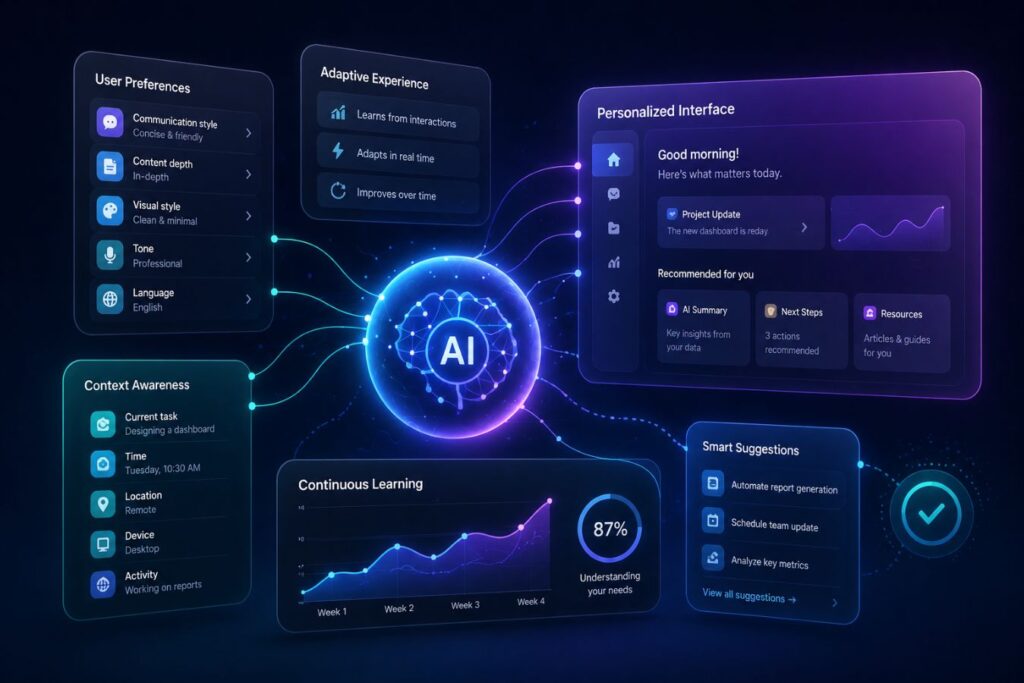
We are moving toward a future where the interface itself is generated by AI.
Imagine an application that redesigns its own layout based on the user’s specific workflow and expertise level.
A power user might see a dense, data-heavy dashboard, while a beginner sees a simplified, conversational wizard.
To prepare for this, design systems must become incredibly modular. Components must be flexible enough to be dynamically rearranged by an algorithm.
At Creative Riz, we are already building atomic design systems ready for this hyper-personalized future.
Whether you need intricate 2D animation to explain your AI product or a highly secure web app interface, we have the expertise to bring it to life. Contact us to start your next project.
Conclusion: Human-Centric AI
Designing for LLMs is not about making machines look smarter. It is about making humans feel more capable.
By utilizing prompt-less interfaces, offering robust steerability, and designing for absolute transparency, you empower your users.
Do not let your powerful backend AI be bottlenecked by a frustrating frontend.
Invest in specialized Generative AI UX, and turn your technology into a truly usable, market-leading product.
Frequently Asked Questions (FAQs)
What is “Blank Canvas Syndrome” in AI apps?
Blank canvas syndrome occurs when a user is faced with an empty text box and no guidance. Without clear prompts, templates, or contextual buttons, users often freeze, unsure of what the AI can actually do for them.
How do you design for AI latency?
Since LLMs take time to process, you should avoid static loading spinners. Instead, use text streaming (showing words as they generate) or multi-step loading messages (e.g., “Reading data…” then “Drafting text…”) to keep users engaged.
How can UX design reduce AI hallucinations?
While UX cannot stop a model from hallucinating, it can mitigate the damage. You should design interfaces that display confidence scores, provide clickable citations to original sources, and include clear disclaimers that the AI output should be verified.
About the Author